Top 5 Reasons Why Your EA Stops Running (And How to Fix Them)
Introduction:
You wake up, check your MT5, and realize your EA hasn't taken a trade in 8 hours. The market moved, but your bot stayed still. Here are the top 5 reasons for EA failure and the checklist to fix them.
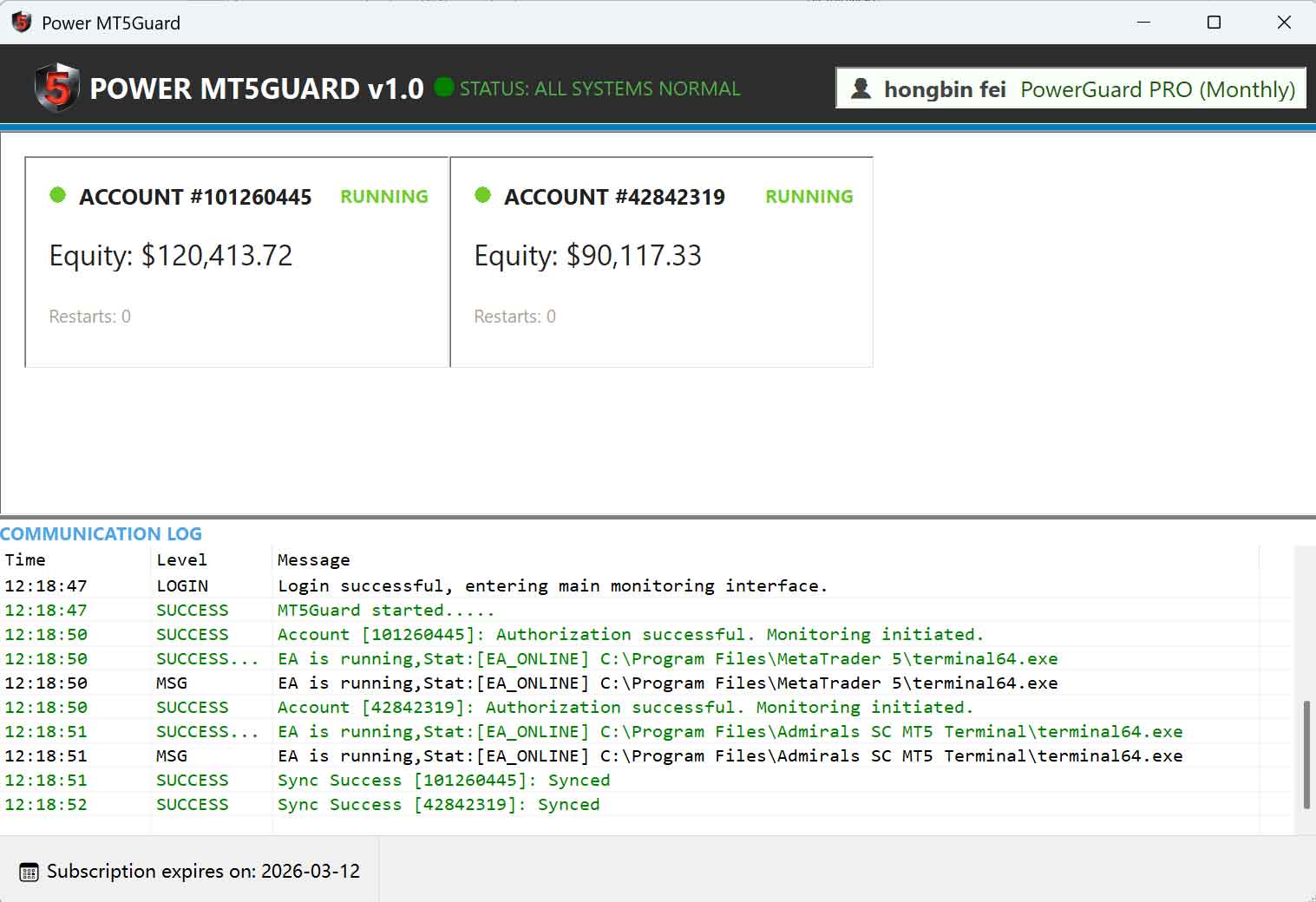
1. "Algo Trading" Button is Red
The most common mistake. Even if the EA is attached to the chart, the global "Algo Trading" button must be green.
2. Connection Dropout (The Silent Killer)
If your MT5 loses connection for even a few seconds, some EAs fail to re-initialize their logic.
Fix: Use a monitoring service like MT5Guard to get an email the second a dropout occurs.
3. "DLL Imports" Not Allowed
Many modern EAs require external DLLs to communicate with web dashboards or news filters. Ensure "Allow DLL imports" is checked in the EA settings.
4. VPS Overload (RAM/CPU)
Running too many MT5 instances on a cheap VPS causes the terminal to lag. When the CPU hits 100%, the EA thread is the first to be throttled.
5. Expired Global Variables
Some EAs use Global Variables to track trades. If these are cleared or corrupted during a crash, the EA will stop "out of safety."
The Ultimate Safety Net
The best fix is an early warning system. MT5Guard ensures that if your EA stops because the terminal is down, you’ll be the first to know via email.